Course overview.
Learn the fundamentals of 3D modelling, animation, texturing, and rendering, and turn your imaginative ideas into lifelike digital creations. By the end of this course, you will be proficient in using Blender and well-equipped to express your creativity through 3D art and design.
Who it's for.
This course is tailored for individuals with little to no prior experience in 3D modelling and Blender. It's perfect for students, artists, hobbyists, and anyone curious about the world of 3D design. If you are eager to explore your creative side and venture into the world of 3D art, this course is your ideal starting point.
What you'll learn.
In our Blender 3D course, you will delve into essential topics, including 3D modelling techniques, texture and material creation, basic animation principles, and rendering. Through hands-on projects and practical exercises, you will gain confidence in your ability to create 3D models and animations. Upon completion, you will have the foundational knowledge and skills to bring your creative ideas to life in the digital realm, opening the door to a world of endless 3D possibilities.
Blender Beginner Course overview.
Discover the fundamentals of 3D creation with Blender and build a strong foundation in modelling, materials, lighting and rendering. This beginner-friendly course introduces you to Blender's interface, essential tools and core workflows, giving you the confidence to start creating your own 3D objects and scenes from the ground up.
You'll work through Blender step by step, learning how to navigate the software and turn simple ideas into finished 3D assets. From creating and editing basic geometry to applying materials, setting up lighting and producing your first renders, the course provides a practical introduction to the complete 3D workflow.
Who it's for.
This course is designed for complete beginners who are new to Blender, as well as anyone who has experimented with the software and wants to develop a more structured understanding of 3D creation. It's ideal for aspiring 3D artists, game developers, animators, designers, visualisation artists and creative professionals looking to develop practical Blender skills.
No previous Blender experience is required. Whether you're interested in modelling, animation, game assets, visual effects or simply want to explore the world of 3D, the course provides a clear starting point and helps you build confidence with Blender's essential tools and workflows.
What you'll learn.
You'll learn how to navigate Blender's interface, create and edit 3D geometry, work with objects and modifiers, and begin building your own models. You'll also explore the fundamentals of materials, textures, lighting, cameras and rendering to bring your creations to life.
By the end of the course, you'll understand the fundamentals of Blender's 3D workflow and have the skills to create, refine and present your own basic 3D projects. You'll also have a strong foundation for progressing into more advanced modelling, animation, visual effects and rendering techniques.
Blender Intermediate Course overview.
Build on your Blender foundations and develop the skills needed to create more detailed, polished and professional 3D work. This intermediate course takes you beyond the basics, introducing more advanced modelling techniques, materials, lighting and rendering workflows while helping you develop a more efficient approach to 3D production.
You'll work with Blender's tools in greater depth, learning how to create more complex assets and scenes while gaining better control over the modelling and visual development process. The course focuses on practical workflows that can be applied to game development, visualisation, animation, product design and other creative 3D projects.
Who it's for.
This course is designed for learners who already understand the basics of Blender and are ready to take their 3D skills further. It's ideal for aspiring 3D artists, game developers, environment artists, designers, visualisation professionals and creatives who want to create more detailed and visually convincing work.
A basic understanding of Blender's interface, modelling tools and core 3D concepts is recommended before starting. The course builds on those existing skills and focuses on developing a more confident and professional workflow.
What you'll learn.
You'll explore more advanced modelling techniques, modifiers and object workflows, while learning how to create cleaner and more detailed 3D assets. You'll also develop your understanding of materials, textures, lighting and composition to produce more polished and realistic results.
The course will help you improve your overall 3D workflow, from developing an idea and refining geometry through to preparing scenes, lighting them effectively and producing high-quality renders. By the end, you'll have greater confidence working independently and a strong foundation for progressing into advanced Blender techniques and professional 3D projects.
Blender Advanced Course overview.
Take your Blender skills to an advanced level and explore the techniques and workflows used to create sophisticated, production-quality 3D work. This course builds on your existing experience and focuses on advanced modelling, materials, lighting, rendering and scene development, helping you achieve greater control over both the creative and technical aspects of your projects.
You'll work with more complex assets and scenes while developing a more efficient and professional approach to the 3D production process. The course explores advanced workflows for creating detailed models, refining surfaces, developing convincing materials and producing high-quality final renders, giving you the skills to tackle more ambitious Blender projects.
Who it's for.
This course is aimed at experienced Blender users who are ready to move beyond intermediate techniques and develop a more advanced level of proficiency. It's ideal for 3D artists, game developers, environment artists, visualisation professionals, designers and creatives who want to produce more sophisticated and professional-quality work.
You should already be confident using Blender's core modelling, material, lighting and rendering tools. The course assumes a solid understanding of the fundamentals and focuses on advanced techniques, efficient workflows and the refinement of complex 3D projects.
What you'll learn.
You'll explore advanced modelling techniques, complex modifiers, detailed asset creation and professional approaches to topology and surface refinement. You'll also develop more advanced material and texture workflows, lighting techniques and rendering setups designed to produce polished, visually compelling results.
You'll learn how to approach complex scenes from concept through to final render, while improving efficiency, consistency and creative control throughout the process. By the end of the course, you'll have the skills and confidence to tackle demanding Blender projects and produce work that is closer to a professional production standard.
This course is fully fundable through ReACT+.
If you've been made redundant or are facing redundancy in Wales, the Welsh Government's ReACT+ scheme can fund up to £1,500 toward this course — plus childcare, travel and accommodation expenses. We'll handle the application.
Benefits of Attending This Course
Gain practical Blender skills to create 3D models, explore digital design techniques and build confidence using one of the world’s leading open-source 3D creation platforms.
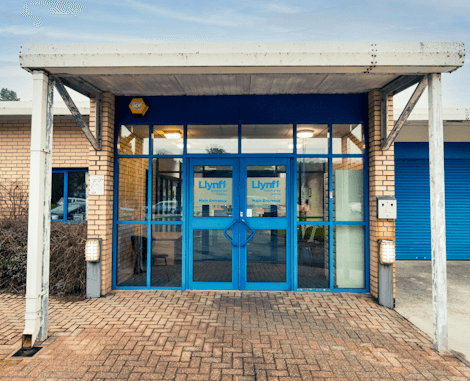
Ascent Training Wales · Bridgend.
Our conference room is purpose-built for effective training — bright, modern, and fully equipped for workshops, seminars and accredited sessions.
Llynfi Enterprise CentreHeol Ty Gwyn Industrial Estate
Maesteg, Bridgend, CF34 0BQ
Unlock Your 3D Creative Potential
Learn 3D Modelling Fundamentals
Build a strong foundation in Blender’s interface, modelling tools and workflows for creating impressive 3D designs.
Create Professional 3D Assets
Gain practical experience creating, editing and refining 3D objects using Blender’s powerful design features.
Develop Creative Design Skills
Learn techniques that support animation, visualisation, product design and other exciting 3D applications.
Common questions.
Quick answers to what most people ask before booking. Still need help? Get in touch.
How long is the course and where is it delivered?
How much does it cost and what's included?
When is the next date available?
Is this course eligible for ReACT+ funding?
Can you deliver this course in-house for our team?
From the classroom.
Our Bridgend venue is purpose-built for working learning — bright, modern, configurable for cohorts of four to twelve, with quality AV throughout and free parking right outside.
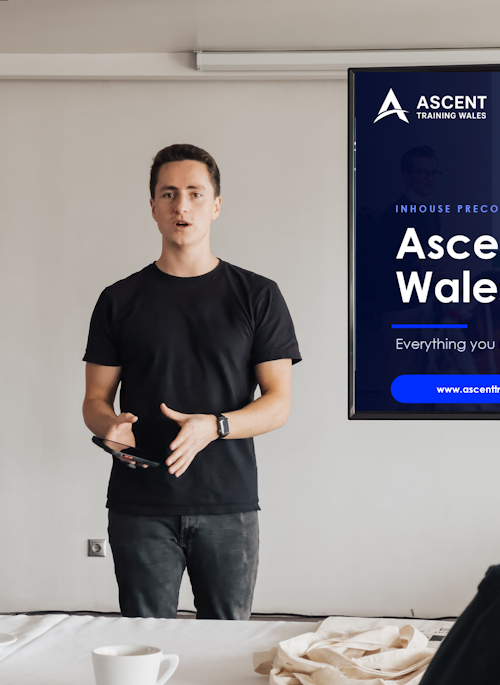
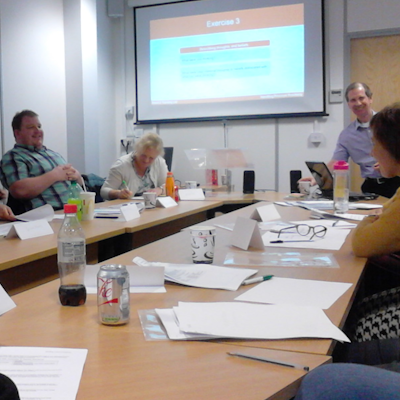
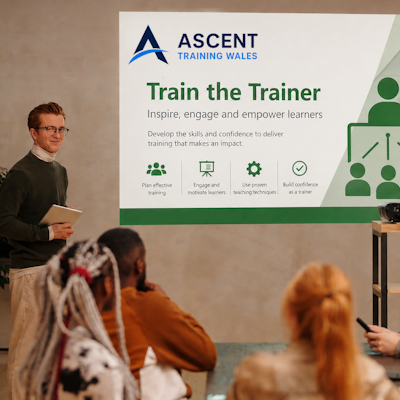
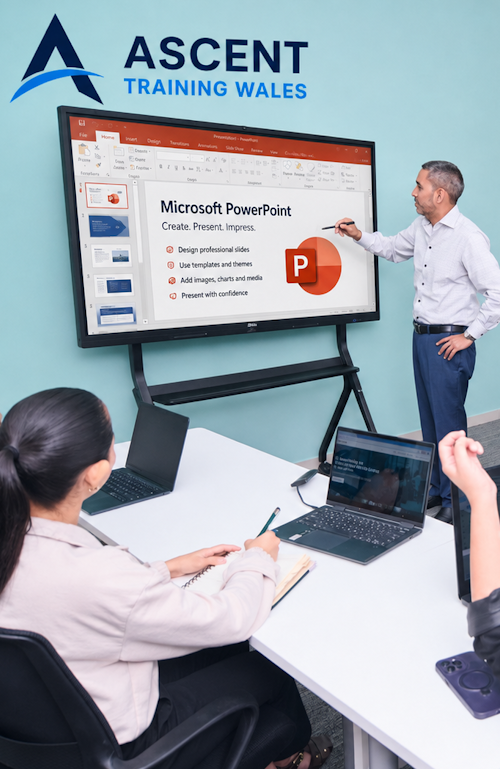
Llynfi Enterprise Centre · Bridgend · More about our venue →
More in Computing.
Courses that pair well with Blender 3D, or that your team often takes as a sequence.



Ready when you are.
Book Blender 3D for £275 a seat, or send us a brief and we'll come back with a tailored in-house quote for your team within two working days.